
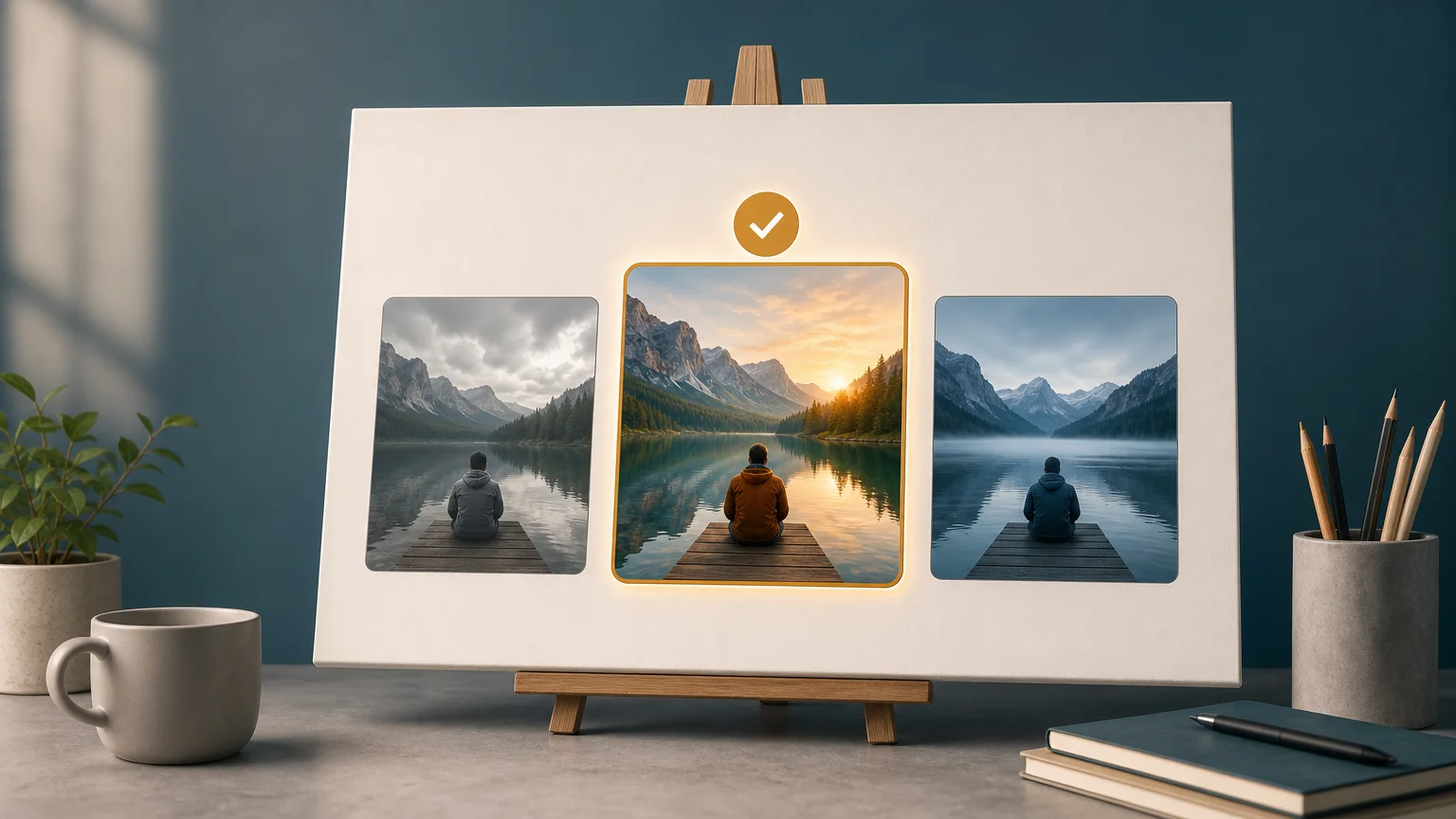

Choosing the best AI image generator for 2026 starts with a practical question: what must the tool help you create? Broad text-to-image systems suit open-ended concepting, while focused editors support specific transformations with fewer repeated instructions. For targeted experiments, you can begin with our GTA-style AI art generator.
The market now serves individual creators, small businesses, and larger teams. A 2026 G2 analysis of 2,111 verified reviews found that individual users and small businesses represented 70% of identified reviewers, while enterprise buyers represented 14%. That mix makes accessibility, workflow speed, and editing simplicity important alongside raw image quality.
What should the best AI image generator do?
A useful image generator should translate an idea into a workable visual with minimal correction. Prompt understanding matters, but it is only one part of the decision. You also need dependable composition, believable lighting, clean anatomy, suitable proportions, and an output size that fits your destination.
Editing is equally important. A first generation rarely becomes the final asset without adjustment. Look for tools that let you revise one element while preserving the rest of the scene. This is especially valuable when you need to change a background, add a person, refine a product, or prepare multiple versions for different channels.
Consistency should also influence your choice. If you create a campaign, product collection, or social series, unrelated images can weaken the visual identity. Test whether the generator can maintain recurring subjects, colors, perspectives, and visual treatments across several prompts.
- Prompt adherence, the ability to follow the requested subject, setting, position, and mood.
- Editing control, the ability to change selected elements without rebuilding everything.
- Visual consistency, the ability to produce related images across repeated requests.
- Output flexibility, including aspect ratios, resolution, file formats, and variations.
- Workflow efficiency, including upload, generation, review, and download steps.
Why does workflow fit matter more than a public ranking?
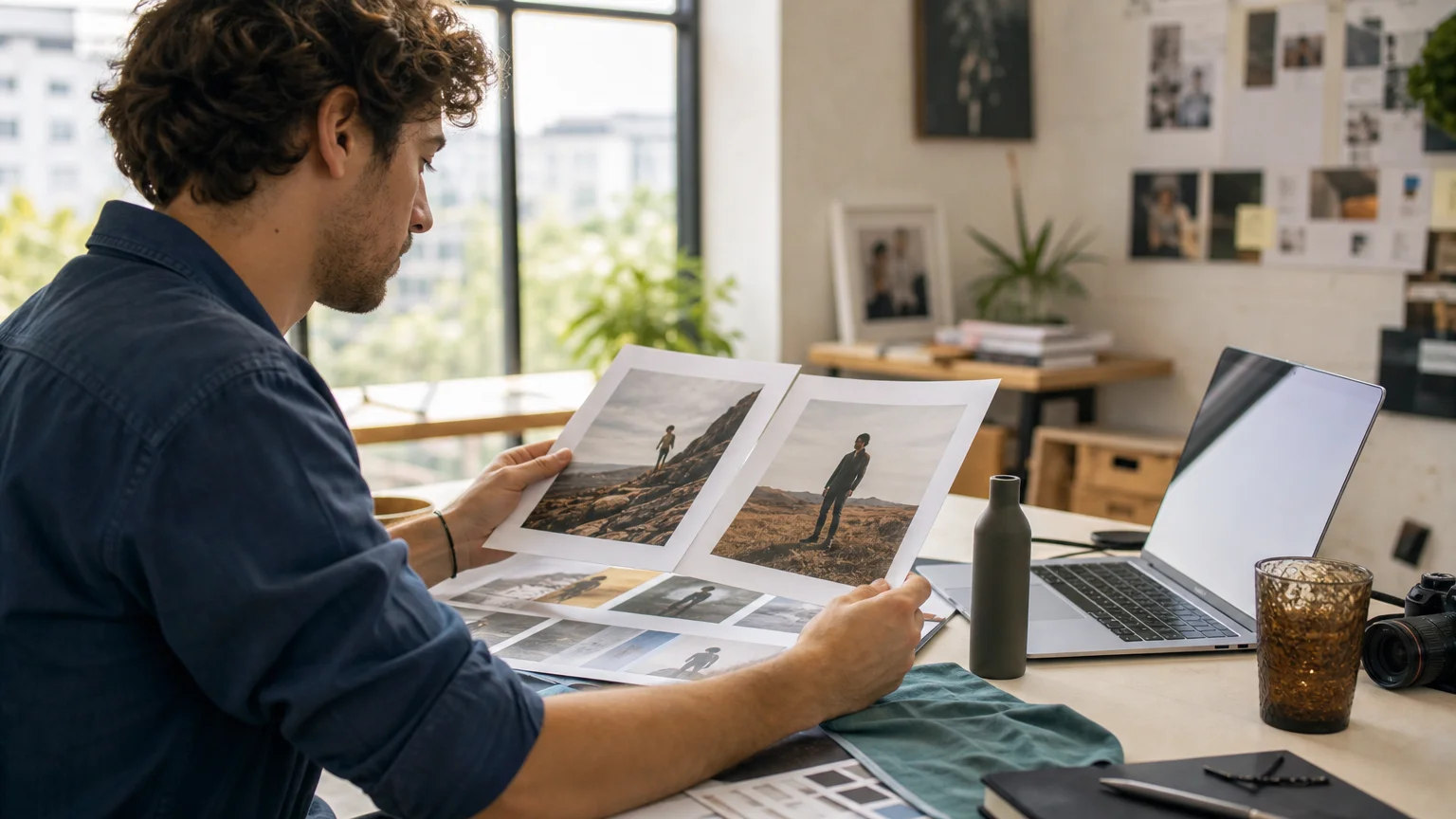
Imagine two tools produce attractive images. One creates striking concepts but requires repeated prompting. The other produces simpler visuals but allows precise edits and quick downloads. The second option may serve your business better when deadlines and revisions matter.
Website traffic can show visibility, but it cannot prove that a tool fits your process. For example, an AICPB June 2026 ranking recorded 10.30 million monthly visits for Midjourney and 3.34 million for Ideogram. Those figures describe website activity, not prompt accuracy, editing quality, rights, or production reliability.
Public rankings also depend on the testing method. Some evaluations reward artistic appeal, while others focus on text rendering, realism, or human preference. A tool that suits an art director may frustrate a marketing team that needs accurate product labels and repeatable layouts.
For this reason, use rankings as discovery tools rather than final decisions. Your own test should reflect the images you actually produce. Include a product image, a portrait, a social asset, a text-heavy graphic, and an edit of an existing photo.
Which AI image generator categories should you compare?
The current market includes several practical categories. Understanding them helps you avoid comparing tools on criteria they were not designed to satisfy.
General-purpose image assistants
These tools accept natural-language instructions and often support conversational revisions. They can be useful when your brief changes frequently or when you want to refine an image without learning complex controls.
The trade-off is that control can feel less predictable. Some edits may affect nearby objects, lighting, or composition. They are suitable for ideation, draft visuals, and general content, but you should test them carefully for repeatable commercial workflows.
Art-focused image generators
Art-focused systems typically emphasize composition, color, mood, and stylistic direction. They can support campaign concepts, editorial illustrations, and visual exploration when the aesthetic matters more than exact object placement.
They may require more experimentation when your prompt includes precise text, strict product geometry, or several interacting elements. A strong visual style does not automatically produce a production-ready asset.
Design and layout platforms
Design-oriented platforms combine image generation with templates, typography, resizing, and layout tools. They are useful when the image is only one part of a larger social post, presentation, advertisement, or thumbnail.
Their advantage is workflow continuity. You can generate an image, place it into a layout, add copy, and export the final asset without moving between several applications.
Focused AI image editors
Focused editors address a defined transformation, such as inserting a person, changing apparent age, removing a watermark, or creating a stylized portrait. They can reduce the amount of prompt engineering required for a recurring task.
Our workspace follows this focused approach. You select a workflow, upload the required image, generate a result, compare available variations, and download the preferred version. This structure is useful when you already know the edit you need.
How should you test prompt accuracy and image quality?
Start with the same prompt across every candidate. Keep the subject, aspect ratio, lighting direction, and required details consistent. This reveals whether a tool follows instructions or simply produces attractive images with broad similarities.
Use prompts with different levels of complexity. A short prompt tests basic interpretation. A detailed prompt tests whether the system can preserve relationships between people, objects, positions, colors, and text.
Also test image editing, not only image creation. Upload a real photograph and request one controlled change. For example, ask the tool to replace a background while preserving the subject, framing, shadows, and skin tones. This exposes whether the system understands the existing image.
A July and August 2026 benchmark from a 2026 image benchmark evaluated 10 tools with 20,000 generated images, 200 prompts per tool, and three independent scorers per image. Its methodology illustrates why speed, stability, prompt adherence, and workflow quality should be evaluated together.
Record the result after each test. Note whether the tool followed the prompt on the first attempt, how many revisions were needed, and whether the final image required manual cleanup. A slightly less impressive first result may be more valuable if it is easier to correct.
Which workflows can benefit from focused image tools?
Different visual tasks require different levels of control. A general-purpose generator may suit a broad creative brief, while a focused tool can shorten a repetitive editing process.
Concept art and visual experimentation
For early concepts, prioritize speed and variation. You may want several compositions that communicate the same idea. At this stage, exact typography and pixel-level accuracy are often less important than exploring direction.
Our focused creative tools can support visual experimentation when you want a defined style or transformation rather than an open-ended scene. The most useful choice depends on the subject, source image, and intended audience.
Portrait and social content
Portrait work requires attention to facial structure, skin texture, pose, lighting, and identity. Test whether the tool preserves the qualities that matter to your project. Review every result before publication, particularly when the image represents a real person.
For fictional, clearly labeled, adult-oriented creative concepts, you can explore our AI hot girl image generator. Use appropriate consent, disclosure, and publication practices when an image could be mistaken for a real person.
Fashion and swimwear concepts
Fashion imagery benefits from clear garment structure, realistic materials, and consistent proportions. Ask for straightforward details, then inspect straps, seams, skin boundaries, hands, and shadows. These areas often reveal whether an output is ready for use.
For concept development involving adult swimwear styling, our AI micro-bikini generator provides a focused workflow. Keep the result age-appropriate, fictional where necessary, and clearly separated from documentary photography.
Photo compositing and scene preservation
Compositing requires more than generating a new image. The added element must match the target scene's perspective, scale, lighting, color, and depth. If the original background or existing people change unexpectedly, the result may look artificial.
Our add-person workflow is designed for this type of task. You provide a target photo and a clear portrait, then review up to four generated variations. The workflow is intended to preserve the existing scene while matching the inserted person to its lighting and perspective.
What makes an AI-generated image usable in production?
A visually attractive image is not automatically a usable business asset. Before publication, check the image against the brief, the destination, and the rights requirements for your project.
- Inspect text, including spelling, numbers, labels, and small print.
- Check anatomy, especially hands, eyes, teeth, joints, and repeated facial features.
- Review lighting, including shadows, reflections, highlights, and light direction.
- Confirm composition, including safe space for headlines, logos added later, or calls to action.
- Verify rights, including the source image, likeness permissions, commercial terms, and required disclosures.
- Keep a human review, particularly for advertising, public figures, sensitive topics, or realistic portraits.
Image quality should be judged at the final size. An image that looks convincing in a small preview may reveal distortions when enlarged. Conversely, a detailed image may need cropping or compression before it works on a social platform.
Do not assume that a paid plan automatically grants every right you need. Review the provider's current terms, commercial-use rules, privacy practices, retention policies, and restrictions on uploaded images. These details can change independently of model quality.
How can you choose the right tool without wasting credits?
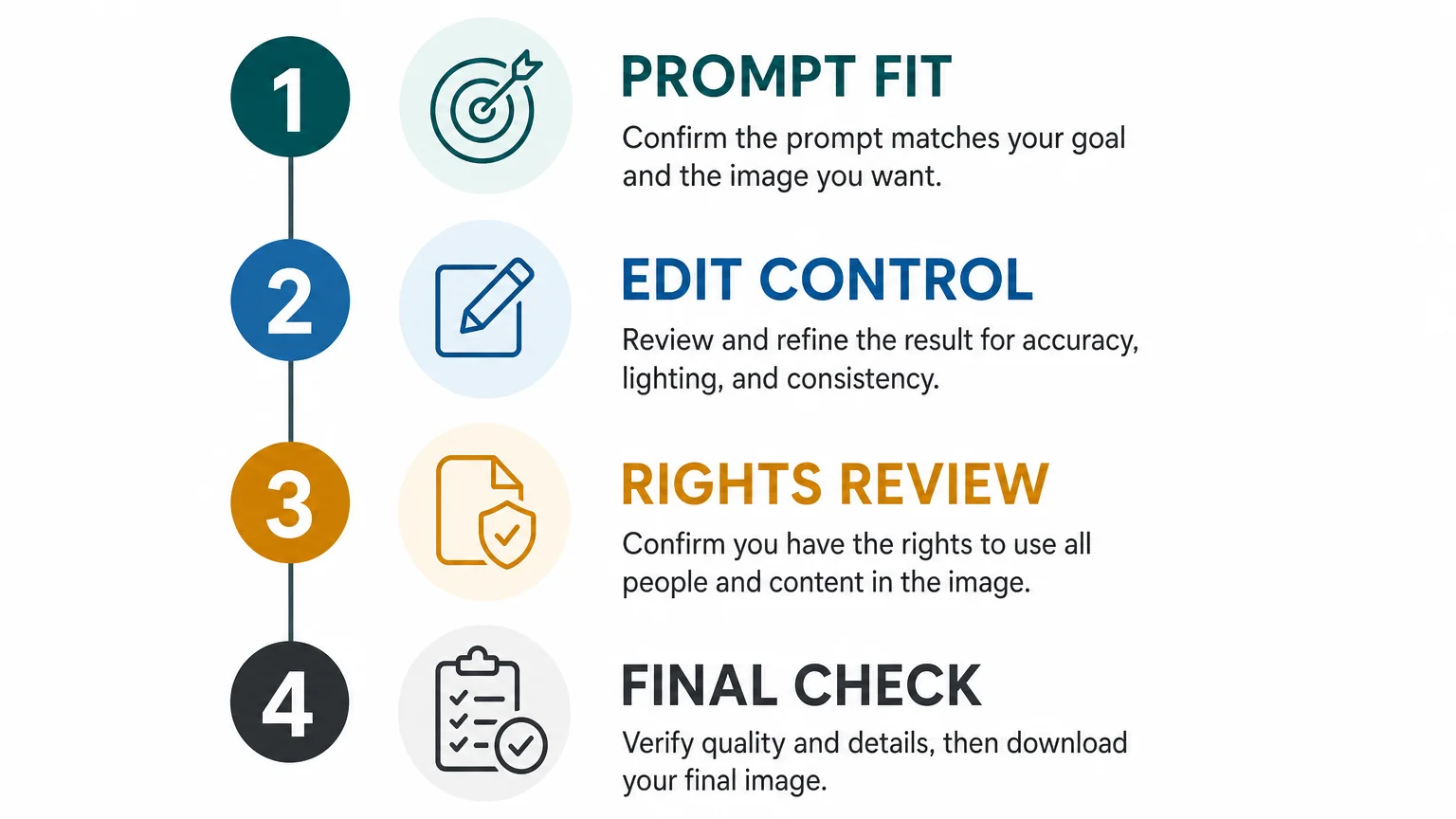
A short evaluation process can prevent unnecessary subscriptions and repeated generations. Begin with a specific project rather than a generic test. Your project should include the image type, required details, expected output, and likely revision steps.
- Define the deliverable. Decide whether you need a concept, portrait, product visual, composite, advertisement, or social asset.
- Choose three test prompts. Include one simple request, one detailed scene, and one edit of an existing image.
- Measure revision effort. Count how many attempts are needed before the image meets your brief.
- Check production requirements. Review resolution, file format, text accuracy, licensing, and download options.
- Compare total effort. Include prompting, editing, exporting, and manual correction in your assessment.
If your work involves several unrelated transformations, a shared workspace can simplify access. You can move between focused workflows without rebuilding your process around a different application each time.
Free credits are useful for testing, especially when no credit card is required at the beginning. However, evaluate the quality of the free output, the available variations, and the limits before relying on it for recurring work.
Choose the generator that fits your workflow
The best AI image generator for 2026 is not defined by one leaderboard position. It is defined by how reliably it turns your brief into a usable image, how efficiently you can revise that image, and whether the final asset meets your quality and rights requirements. Test realistic projects, compare revision effort, and choose the workflow that reduces friction without reducing control.
Take action with Photography Colleges
When you need to create or edit visual content quickly, a focused workflow can be easier to manage than a complex collection of disconnected tools. Photography Colleges brings multiple AI image workflows into one browser-based workspace for people and modern teams.
You can try the tools with free credits, without providing a credit card at the start. Choose a workflow, upload your image, generate results, compare available variations, and download the version that fits your project through our AI image generator gallery.
Frequently Asked Questions
What is the best AI image generator in 2026?
There is no universal choice for every project. Select the tool that matches your required image type, editing needs, output format, revision process, and rights requirements.
Should you choose a general-purpose generator or a focused editor?
Choose a general-purpose generator for open-ended concepts and conversational exploration. Choose a focused editor when you regularly perform a specific transformation and want a shorter, more predictable workflow.
How can you compare AI image generators fairly?
Use the same prompts, source images, aspect ratios, and evaluation criteria across each tool. Record first-attempt accuracy, revision time, output quality, consistency, and export requirements.
Are AI-generated images ready to publish immediately?
They may require review and correction before publication. Check text, anatomy, lighting, composition, likeness concerns, image rights, and the provider's current commercial-use terms.
Can Photography Colleges help with photo editing as well as image creation?
Yes. Our workspace includes focused workflows for tasks such as adding a person, transforming age, removing watermarks, creating portraits, and developing other visual concepts.